
Display
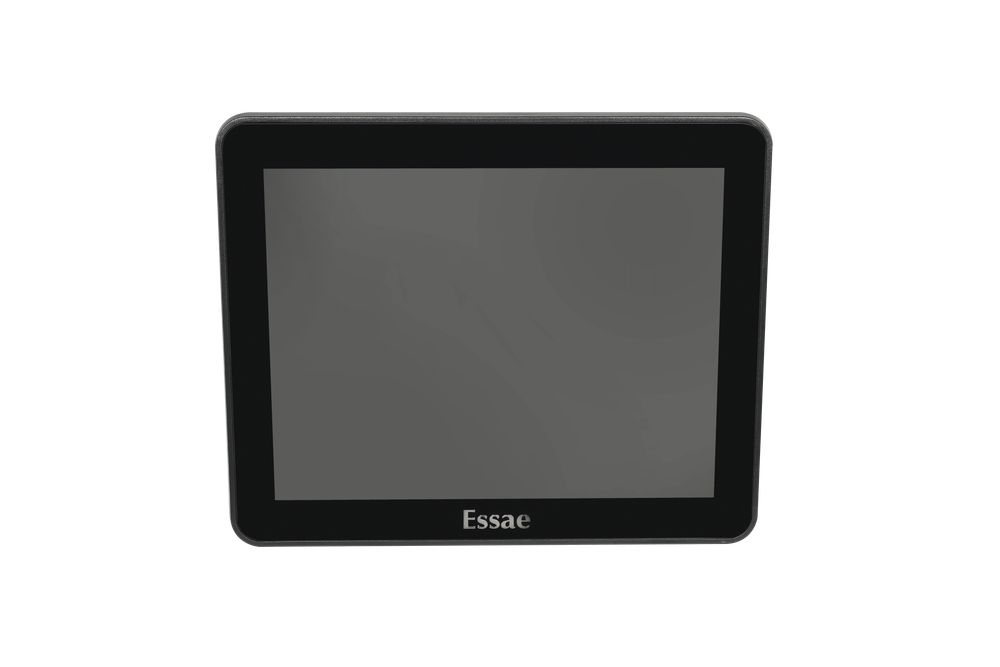
Dual Display Checkout
Reduces checkout friction by keeping customers informed throughout the transaction.
Plug-and-Play Integration
Seven USB ports on any touch POS machine connect seamlessly to this customer display.
Builds Purchase
Customer-facing display reduces payment disputes and checkout anxiety. Shows itemized amounts, discounts applied, and final total before payment completion.
Overview
SS-500 Second Screen: POS Customer-Facing Display for Trust at Checkout
The SS-500 is a purpose-built POS second display engineered to reduce checkout friction and build payment confidence. Unlike single-screen terminals, this dual-display setup keeps customers informed throughout billing transactions. This second display integrates with Essae's complete POS peripherals ecosystem.
SS-500 Second Screen at a glance
Resolution
1024X768 / 1200X800
Display Interface
HDMI / USB
| General | |
|---|---|
| LCD Type | TFT LCD ( LED backlight) |
| Display | 9.7 inch Non Touch / 10.1 inch Non Touch |
| Resolution | 1024X768 / 1200X800 |
| Color | Black |
| Brightness | 300 cd/m² |
| Interface | |
| Display Interface | HDMI / USB |
| Power | |
| Display Input | DC 12V / DC 3.3V |
Why the SS-500 Earns Its Keep
Cuts Payment Disputes
Customer-facing display for clear itemization and final totals reduces post-transaction disputes and chargebacks.
Increases Transaction Speed
Customers complete payment faster when they see the exact amount due upfront. No questions mean faster checkout and higher throughput during peak hours.
Builds Brand Trust
A professional dual-screen setup signals that your business handles payments seriously. Transparency builds customer confidence and repeat visits.
Compatibility
Works with Every Essae POS Terminal
The SS-500 second display has been tested and certified across the entire Essae POS peripherals and terminal lineup. USB connection with standard OPOS drivers ships on day one.
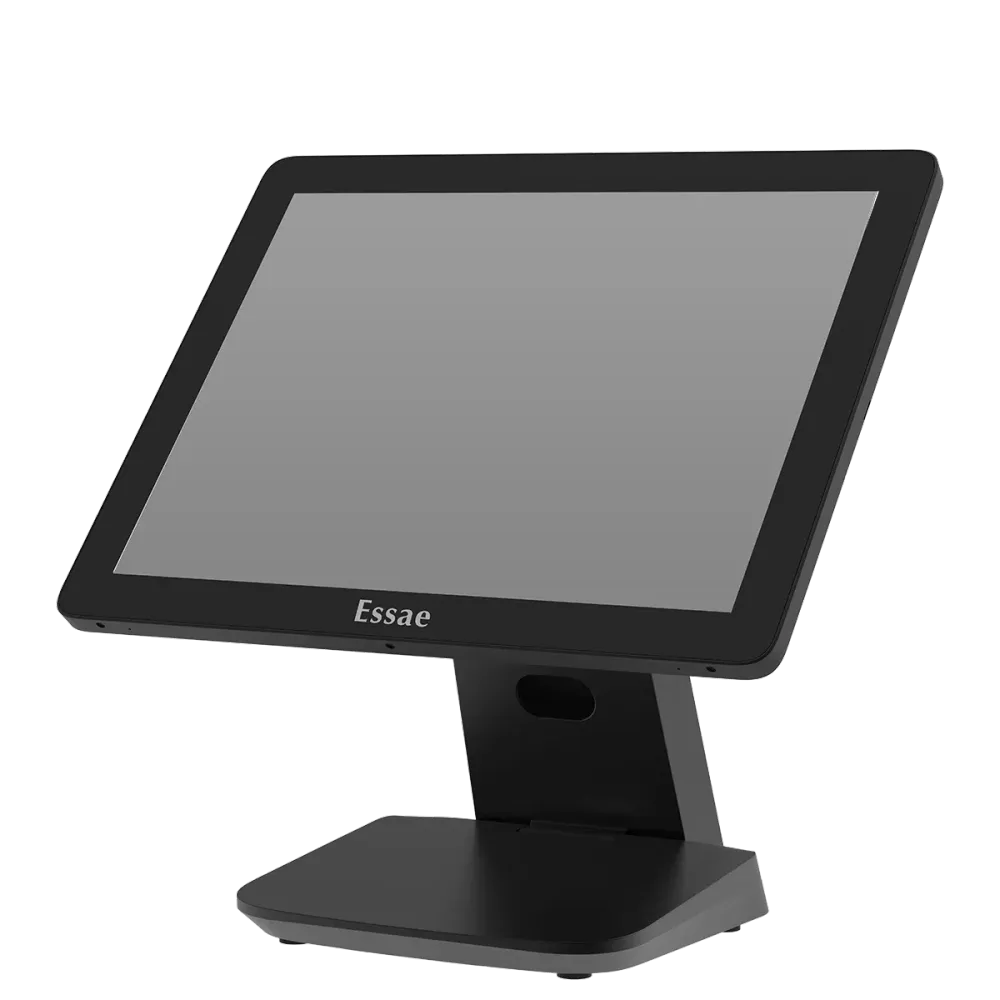
FAQ
How quickly can we set up the SS-500 in our existing POS setup?
The SS-500 connects via USB to any Essae POS terminal with standard OPOS drivers pre-installed. Most retailers are operational within minutes of unboxing with no custom drivers or IT configuration required.
Will the second display work with our current Essae terminal, or do we need to upgrade?
The SS-500 is certified across the entire Essae POS terminal lineup. If you're running any Essae touch POS machine, the second display integrates immediately with zero hardware changes.
What information does the customer see on the SS-500?
The display shows itemized line items, discounts applied, subtotals, taxes, and the final amount due. Customers confirm what they're paying before inserting their card, eliminating last-second payment surprises.
Can the SS-500 reduce chargebacks and payment disputes?
Yes. When customers see an itemized, transparent breakdown at checkout, post-transaction disputes drop significantly. The display acts as a receipt preview that builds confidence before payment is finalized.
Is the SS-500 compatible with third-party payment processors?
The SS-500 integrates with any payment processor that connects to your Essae POS terminal via standard OPOS protocols. Your current payment setup remains unchanged.
Contact Us
Tell us about your counters
We're happy to answer your questions and help you determine which Essae POS configuration best fits your counters.